No products in the cart.
No products in the cart.

No products in the cart.
No products in the cart.
In today’s digital age, many of us spend hours a day using a keyboard and mouse. But did you know that the way you position these tools can significantly impact your health and productivity? Let’s explore why keyboard trays are essential for creating an ergonomic workstation that keeps you comfortable and efficient throughout your workday.
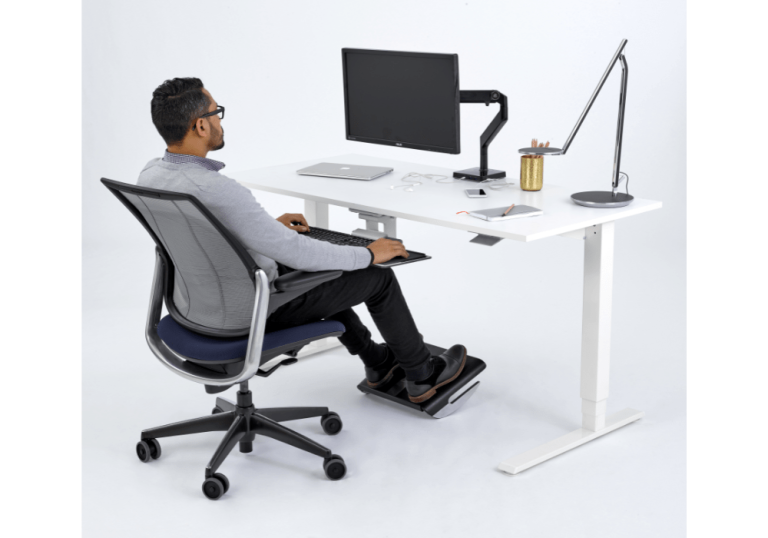
Ergonomics isn’t just a buzzword—it’s crucial for maintaining a healthy workspace. Poor posture and incorrect positioning of your keyboard and mouse can lead to a host of health issues, including:
A keyboard tray allows you to find the ideal height and angle for typing, promoting a neutral posture that reduces strain on your wrists, neck, and back. When used in harmony with ergonomic chairs, keyboard trays work together to support overall good posture while seated.
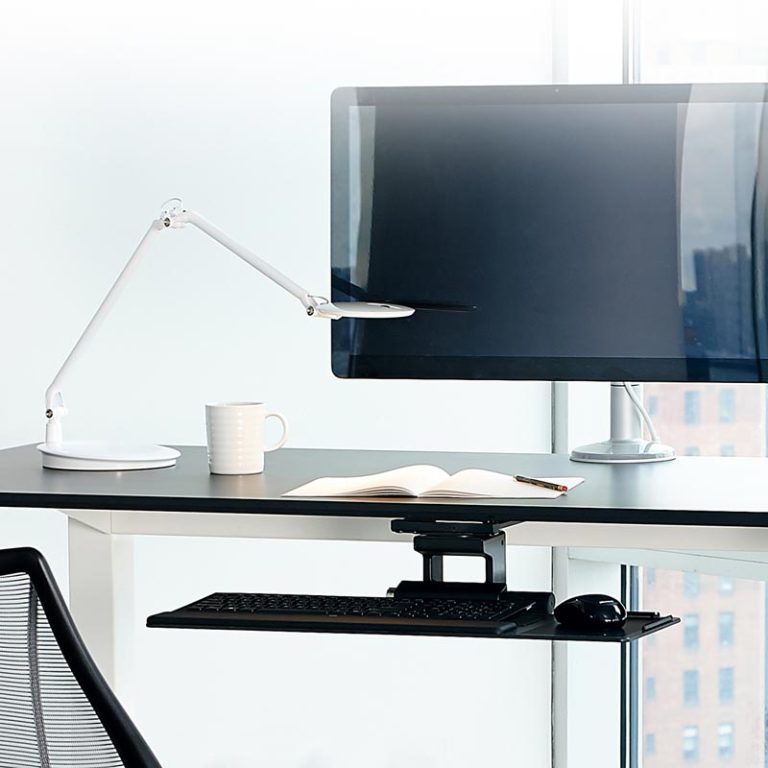
Keyboard trays offer several advantages that make them an essential component of any ergonomic workstation:
Whether you’re using a standing desk or a traditional sitting desk, a keyboard tray can be adjusted to suit your needs throughout the day.
When it comes to choosing the right keyboard tray for your desk, the first thing you have to do is look under the top. Do you have unubstructed clearance of 22″ or more?
Some desks, like height adjustable desks have support beams in the middle which would prevent the track of the keyboard tray to be installed.
Most non height adjustable desks should be fine but it is important to double check. For height adjustable desks or desks that have a support beam, we can still provide a solution but at the cost of being able to adjust the height of the keyboard tray. This is a non issue for height adjustable desks since you can adjust the height through your desk but it is an issue if your desk is non-height adjustable.
Another great accessory to look into is a monitor arm that would allow you to re-position your monitor when you change heights besides all the other ergonomic benefits that they provide.
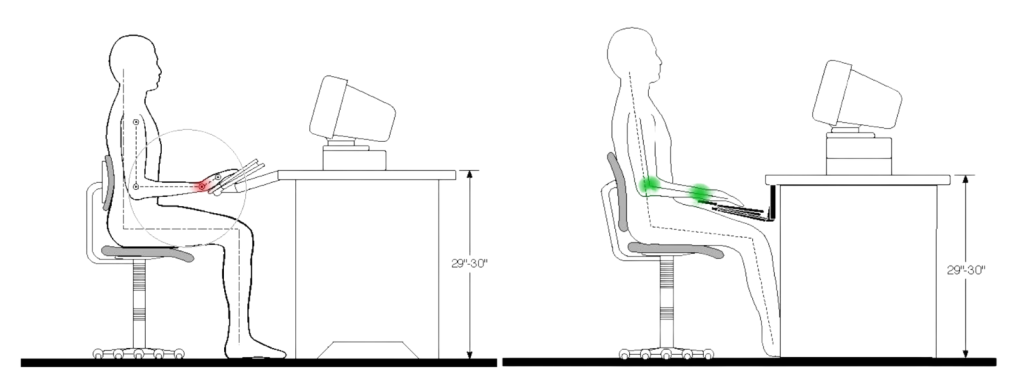
Keyboard tilt refers to the angle of a keyboard, with negative tilt—where the back is lower than the front—being key for ergonomics. Negative tilt keeps the wrists in a neutral position, reducing strain and lowering the risk of repetitive stress injuries like carpal tunnel syndrome. It promotes better hand, wrist, and arm alignment. This setup enhances comfort during long typing sessions and can even improve typing speed and accuracy for some users.

Specifically designed for height-adjustable desks, this tray integrates smoothly with dynamic workstations to ensure ergonomic comfort.

Perfect for non-adjustable desks, this versatile system offers extended adjustability and comprehensive ergonomic support.
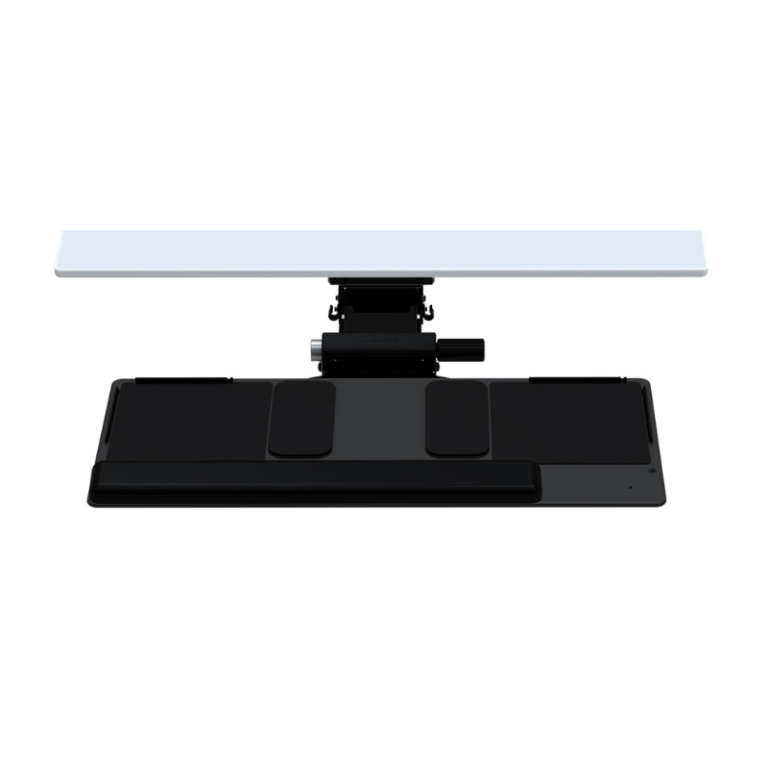
Both options feature Humanscale’s patented design, offering effortless adjustment and promoting proper ergonomics throughout your workday.
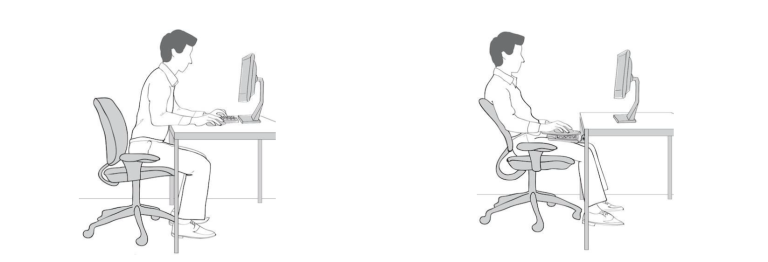
To get the most out of your keyboard tray, follow these detailed guidelines:
By following these guidelines, you can create a personalized ergonomic setup that promotes comfort and productivity throughout your workday.
Incorporating a keyboard tray into your workstation is more than just an ergonomic upgrade—it’s an investment in your health and productivity. By providing the perfect height and angle for typing, keyboard trays help reduce the risk of carpal tunnel syndrome, alleviate neck and back pain, and create a more comfortable workspace overall.
Whether you’re setting up a new office or upgrading your current setup, consider adding a Humanscale keyboard tray to your desk. With their patented designs and commitment to ergonomic excellence, Humanscale offers solutions that can significantly improve your daily work experience.
While not a cure, using a properly positioned desk keyboard tray can help reduce the risk factors associated with carpal tunnel syndrome by promoting better wrist positioning, keeping your hands in an optimal typing posture.
Given the potential health benefits, increased productivity, and their compatibility with both traditional and standing desks, many users find keyboard trays to be a worthwhile addition to their ergonomic workstation.


